What to Do Before You Fly: A Pre-Flight Checklist for Drone Pilots
Batteries, propellers, firmware, weather, GPS and the law: a simple pre-flight checklist to keep your drone safe and every flight smooth.
A great flight starts on the ground. Most crashes, flyaways and lost drones happen because of something that could have been caught in two minutes before takeoff. Run through this checklist every time you fly — beginner or pro.
1. Check the Rules First
- Stay away from airports, military areas, government buildings, crowds and private property.
2. Charge Everything the Night Before
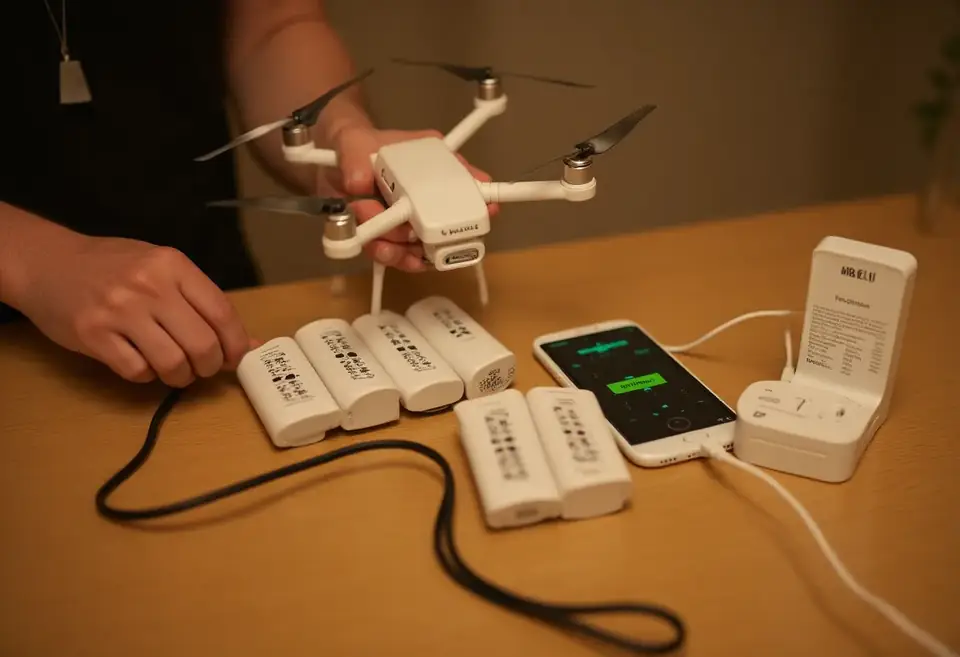
Charge everything the night before
- Drone batteries — fully charged, no swelling, cracks or damage. Never fly a puffed battery.
- Remote controller and phone or goggles.
- Bring spare batteries if you have them — flights always feel shorter than you expect.
3. Update Firmware and Apps at Home
Open the DJI Fly app (or your drone's app) on Wi-Fi at home and install any firmware updates for the drone, controller and batteries. An update in the field can take 20+ minutes and drain your batteries.
4. Inspect Your Drone
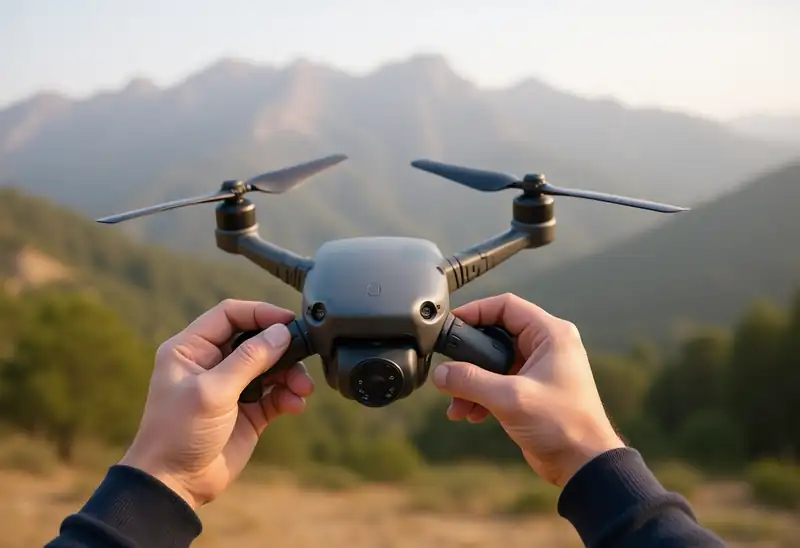
Check props, gimbal and lens before every flight
- Propellers: no chips, cracks or bends. Replace damaged props — they're cheap, crashes aren't.
- Props secure: correctly matched and locked onto the right motors.
- Gimbal: remove the gimbal cover/protector before powering on.
- Camera lens and sensors: clean and free of dust or fingerprints.
- Memory card: inserted, with enough free space.
5. Check the Weather
- Wind: small drones like the DJI Neo or Mini series struggle in strong wind, especially at altitude and near the coast.
- Rain and fog: most consumer drones are not waterproof — don't fly in rain.
- Temperature: batteries drain faster in the cold and can overheat in strong summer heat.
6. Choose a Safe Takeoff Spot
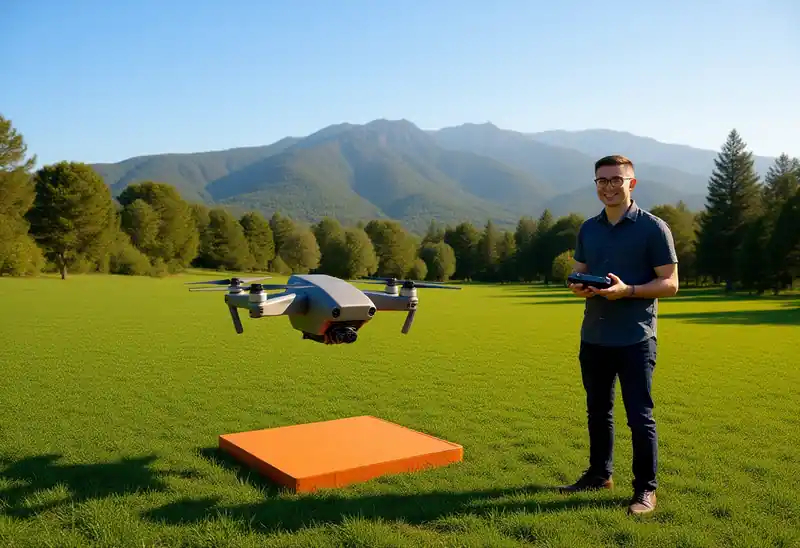
Take off from an open, flat spot with a landing pad
- Open area, away from trees, power lines, people and animals.
- Flat surface for takeoff and landing — use a landing pad on sand, grass or dust.
- Keep the drone in your line of sight at all times.
7. Set Up the App Before Takeoff
- Return-to-Home (RTH) altitude: set it higher than the tallest obstacle around you.
- Wait for GPS lock and make sure the Home Point is recorded before you take off.
- Calibrate the compass if the app asks — away from cars and metal.
- Check that obstacle avoidance is on (if your drone has it).
8. Do a Short Hover Test
Take off to about 2 metres and hover for 10–20 seconds. Check that the drone is stable, the controls respond correctly and there are no strange sounds or warnings. All good? Now enjoy your flight.
Quick Checklist
- ✅ Rules checked / permission
- ✅ Batteries, controller and phone charged
- ✅ Firmware updated
- ✅ Props, gimbal cover, lens, SD card
- ✅ Weather and wind OK
- ✅ Safe, open takeoff spot
- ✅ RTH altitude set, GPS locked
- ✅ Hover test done
Need spare propellers, batteries, a landing pad or a new drone? Browse the shop at DroneZoneLB.com and message us on WhatsApp to order.
Shop DJI drones and accessories in Lebanon
Drone Zone delivers DJI drones and accessories across Lebanon, with orders confirmed on WhatsApp. Browse all DJI drones for sale or pick your model: